

Where to Buy Amazon Fire Tablets for Kids in Nigeria: A Parent’s Guide
Buying a tablet for your child sounds simple until you start looking at the options. There are different models, storage capacities, screen sizes and prices to consider. And if you’ve settled on an Amazon Fire tablet, you might be wondering where to get a genuine one in Nigeria without making the wrong purchase.
Amazon Fire tablets have become a popular option for families because they offer an affordable way for children to enjoy educational apps, books, videos and games. Some models also come with kid-friendly protective cases and parental control features.
But before you buy one, there are a few things worth knowing. Let’s walk through them.
Why Do Parents Choose Amazon Fire Tablets for Kids?

Not every tablet is designed with children’s everyday activities in mind. Amazon Fire tablets offer features that make them worth considering for families.
Here are some reasons parents like them:
1. Kid-Friendly Options
Amazon’s Fire Kids tablets come with protective cases designed to help protect the device from everyday bumps and accidental drops. Some models also feature built-in stands or handles, making them easier for younger children to use.
2. Parental Controls
With Amazon Kids parental controls, parents can manage their children’s digital experience. Depending on the device and settings, you can manage screen time, set educational goals and control access to age-appropriate content.
3. Learning and Entertainment
Children can use compatible apps, digital books, games and videos for both learning and entertainment. Whether your child enjoys reading, watching educational videos or playing interactive games, there’s plenty to explore.
4. Affordable Options
Amazon Fire tablets are available at different price points. This makes it easier to find a model that suits your budget without automatically having to spend as much as you might on some premium tablet brands.
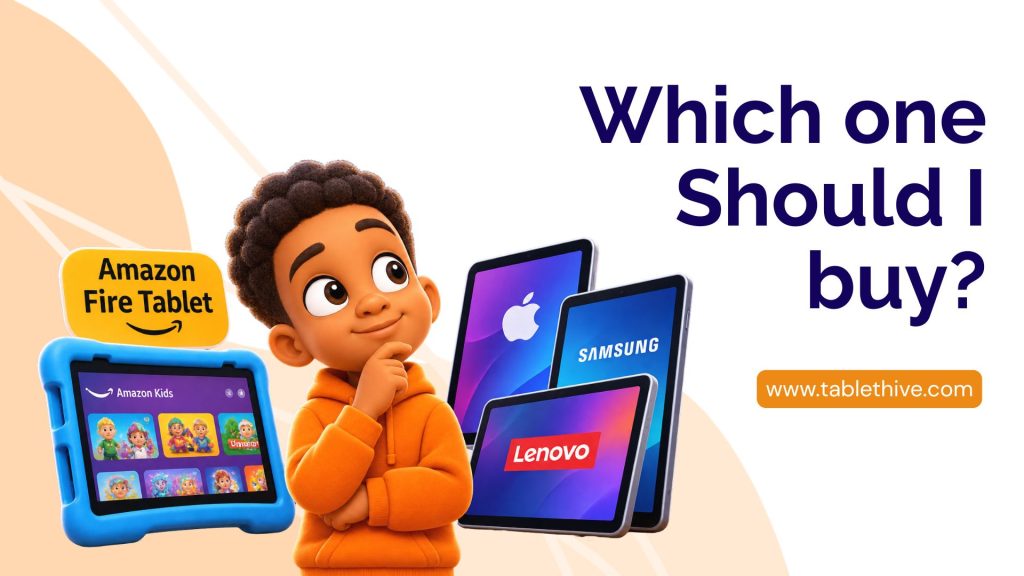
Which Amazon Fire Tablet Should You Buy for Your Child?
Before choosing a tablet, think about your child’s age, what they will use it for and how much you’re comfortable spending.
Here are some options to consider:
Amazon Fire 7 Kids
The Fire 7 Kids is a compact option for younger children. Its smaller screen makes it easy to carry around, and the Kids Edition comes with a protective case.
Amazon Fire HD 8 Kids
If you want something with a larger screen, the Fire HD 8 Kids is worth considering. It’s suitable for children who enjoy reading, watching videos and using educational applications.
Amazon Fire HD 10 Kids
The Fire HD 10 Kids offers a bigger display, which can make reading, watching videos and learning activities more comfortable. It’s a good option for parents who prefer a larger screen for their children.
Remember to compare the generation, RAM, storage capacity and included accessories before making your choice. Features can differ between models and generations.
Where Can You Buy Genuine Amazon Fire Tablets in Nigeria?
Finding an Amazon Fire tablet in Nigeria is one thing. Finding a reliable seller who can help you choose the right model is another.
You can explore online marketplaces, independent gadget retailers and specialist tablet stores. However, don’t make your decision based on price alone.
Pay attention to the seller’s reputation, product description, warranty information and after-sales support.
If you’re looking for Amazon Fire tablets in Nigeria, TabletHive is one place to explore.
At TabletHive, you can find different Amazon Fire tablet options for children and adults, depending on current stock availability. Whether you’re shopping for a toddler, a primary school child or an older child who needs a device for reading and school activities, you can explore the available models and ask for help choosing one.
5 Things to Check Before Buying an Amazon Fire Tablet
Before paying for your child’s tablet, take a moment to check these five things.
1. Check the Tablet Model and Generation
Don’t just buy because the product says Amazon Fire HD 8 or Fire HD 10. Check the generation and specifications. Different generations can have different processors, RAM, storage and features.
2. Check the Storage Capacity
Think about how your child will use the tablet. Will they download educational apps, games, books and videos?
Choose a storage capacity that suits their needs. Also check whether the particular model supports expandable storage through a microSD card.
3. Ask About the Warranty
Find out whether the tablet comes with a warranty and what it covers. Ask how long the coverage lasts, what happens if the device develops a fault and who handles warranty claims.
Don’t assume every seller offers the same warranty terms.
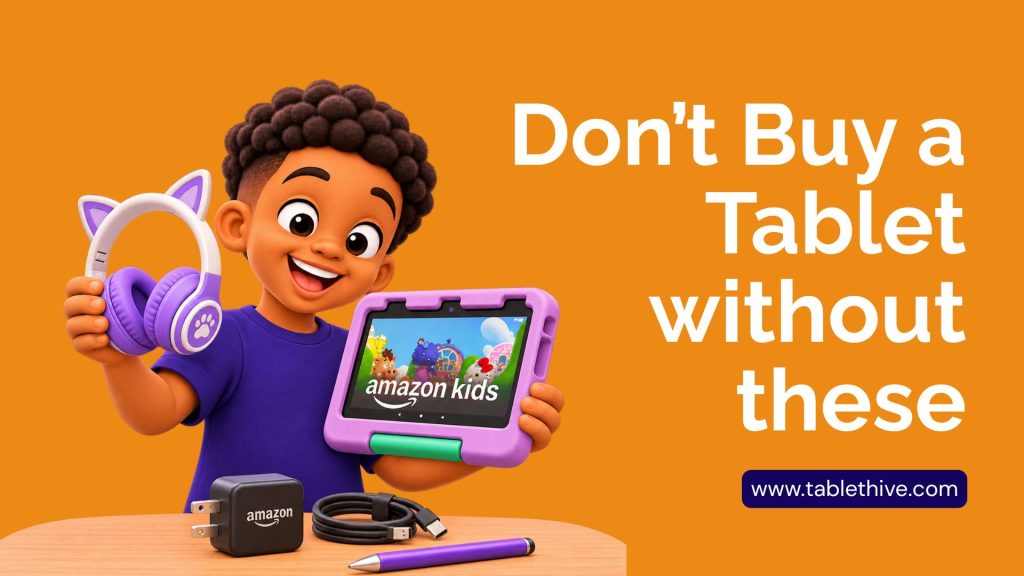
4. Consider a Protective Case and Screen Protector
Children can be a little rough with gadgets, even when they’re being careful!
A sturdy protective case can help reduce damage from accidental drops. A compatible screen protector can also provide an extra layer of protection against scratches.
5. Check App Compatibility
This is particularly important with Amazon Fire tablets.
Fire tablets use Amazon’s Fire OS and Amazon Appstore, so not every Android application is automatically available. If your child needs a particular educational app, check that it’s compatible with the tablet before purchasing.
Why Buy Your Amazon Fire Tablet from TabletHive?
Choosing the right tablet involves more than picking a colour or the cheapest available option.
At TabletHive, our goal is to help customers find tablets that suit their needs and budgets.
Here’s what you can look forward to:
- Different tablet options: Explore available Amazon Fire models for children and adults.
- Product guidance: Get assistance when deciding which model and specifications suit your needs.
- Accessories: Explore compatible protective cases, chargers and other useful tablet accessories.
- Warranty information: Ask about the warranty terms available with your chosen device before placing an order.
- Customer assistance: Get help with product enquiries and choosing the right tablet.
We understand that parents want to make sensible purchases, especially when buying technology for their children. That’s why it’s important to have the right information before making a decision.
How to Order an Amazon Fire Tablet from TabletHive
Ready to get a tablet for your child?
Here’s how to get started:
- Visit the TabletHive website and explore the available Amazon Fire tablets.
- Compare the models, specifications and prices.
- Contact our team if you need help choosing a suitable option.
- Confirm the product’s availability, warranty and delivery arrangements.
- Place your order and get ready to enjoy your new tablet.
Final Thoughts
An Amazon Fire tablet can be a useful device for children’s learning, reading and entertainment when chosen carefully and used with appropriate parental supervision.
The important thing is to buy a model that matches your child’s needs, check its specifications and make sure you’re purchasing from a seller you can trust.
If you’re searching for Amazon Fire tablets in Nigeria, visit TabletHive to explore available options and find a tablet that works for your family.
Ready to shop? Visit TabletHive today and let’s help you find the right tablet for your child.